

DDR Memory Types Explained From DDR1 Through Future DDR6
Understand DDR generations, specifications, compatibility, performance, and memory upgrades
-
DDR transfers data on both edges of the clock signal, doubling transfer speed compared with earlier SDRAM.
-
Each generation from DDR1 through upcoming DDR6 improves speed, capacity, efficiency, or architecture, but generations are not backward compatible.
-
DDR is volatile and synchronous, using clock signals to keep data transfers coordinated for modern computing.
DDR memory is the working area your computer uses to hold active programs and data. You will encounter names such as DDR3, DDR4, and DDR5 when buying a laptop, desktop, server, or upgrade kit. These labels identify different generations of memory technology, not interchangeable product tiers. Each generation changes the electrical design, transfer rate, module layout, and supported motherboard interface. This guide explains how DDR works, why generations cannot normally be mixed, how specifications affect real performance, and how to identify the memory installed in your system. It also looks ahead to DDR6 and the technologies that may shape future computers.
What is DDR Memory?
Definition and Basics of DDR SDRAM
DDR SDRAM stands for double data rate synchronous dynamic random-access memory. It is a type of synchronous dynamic random-access memory, or SDRAM, that stores temporary working data while a device is running. Because it is volatile, its contents disappear when power is removed.
A DDR memory module contains memory chips mounted on a circuit board, along with contacts, control components, and sometimes error correction features. Desktop systems typically use DIMMs, while laptops often use SO-DIMMs. Server and workstation designs may use registered or buffered modules. A HUDIMM is a high-capacity unbuffered DIMM design intended for systems that support its particular platform and electrical requirements.
How Double Data Rate Technology Works
Double data rate technology transfers a data word on both the rising and falling edge of the clock signal. Earlier SDRAM generally transferred data once per cycle. Using both edges effectively doubles the data transfer speed without requiring the base clock to run at twice its frequency.
Difference Between DDR and SDRAM
SDRAM is the broader family of memory synchronized to a clock. DDR is a later SDRAM design that uses both clock edges. Therefore, DDR is SDRAM, but not all SDRAM is DDR. The distinction matters when comparing specifications, because a module's advertised rate usually reflects transfers per second rather than its actual internal clock frequency.
Evolution of DDR Memory Generations
Overview of DDR1 to DDR6
The memory generations began with DDR1, followed by DDR2, DDR3, DDR4, and DDR5. DDR6 is a future generation under development rather than a broadly available consumer standard at the time of writing. Every generation changes signaling, module design, and platform support, so a newer module cannot normally replace an older one simply because it has a similar physical shape.
Key Improvements in Each Generation
DDR1 introduced practical double-edge transfers. DDR2 raised transfer rates and added features such as improved prefetching. DDR3 increased density and reduced operating voltage. DDR4 brought higher rates, larger chip capacities, improved bank organization, and stronger signal integrity. DDR5 significantly increased bandwidth, added two independent subchannels per module, moved power management onto the module, and enabled higher capacities. DDR6 is expected to continue increasing throughput and may introduce further architectural changes.
Voltage and Power Consumption Changes
Voltage generally declined as generations advanced. Typical nominal values moved from about 2.5 volts for DDR1 to 1.8 volts for DDR2, 1.5 volts for DDR3, 1.2 volts for DDR4, and 1.1 volts for standard DDR5. Lower voltage can reduce energy use, heat, and battery drain, although faster speeds, larger capacities, and more populated slots can increase total power consumption. Actual consumption also depends on workload, module design, cooling, and the memory controller.
Technical Specifications and Characteristics
Memory Density and Capacity
Memory density describes how much data each memory chip can store. A module's total memory capacity depends on the number of chips, chip organization, and module architecture. A 16 GB module can use different chip arrangements from another 16 GB module, which can affect compatibility with older memory controllers. Modern DDR5 platforms generally support much higher capacities than early DDR designs, while servers may use specialized high-capacity modules.
Data Transfer Rates and Clock Speeds
DDR specifications are commonly listed in MT/s, or millions of transfers per second. For example, DDR4-3200 performs 3,200 million transfers per second. MT/s is more accurate than calling this figure megahertz because DDR transfers data twice per clock cycle. A module's theoretical memory bandwidth can be estimated as transfer rate multiplied by the bus width, then divided by eight to convert bits to bytes. Real applications may achieve less because of access patterns, contention, and software behavior.
The internal clock is typically half the advertised transfer rate for standard DDR signaling. This is why DDR4-3200 has an effective rate of 3,200 MT/s but a memory clock near 1,600 MHz.
Memory Channels and Organization
Memory channels describe the independent paths between the memory controller and modules. Dual-channel operation can nearly double available bandwidth compared with single-channel operation when the system supports matched modules. DDR5 changes the module layout by dividing each DIMM into two 32-bit subchannels, which can improve efficiency and parallel access. Bank groups, ranks, burst length, and command timing also influence responsiveness. Rated transfer rate is only part of performance, since latency and the workload determine how quickly useful data arrives.
Comparing DDR3, DDR4, DDR5, and DDR6
Performance Differences
DDR3 typically operates at lower transfer rates and capacities than DDR4, while DDR4 improves bandwidth, density, and efficiency. DDR5 raises maximum mainstream throughput again and uses its dual-subchannel design to support more concurrent activity. Higher bandwidth helps integrated graphics, content creation, scientific workloads, large databases, and demanding multitasking. It does not automatically make every application faster, especially if the processor, storage, or software is the limiting factor.
Access latency should be considered alongside MT/s. A newer generation may have a higher numerical timing value but still deliver stronger overall performance because its transfer rate is substantially higher. DDR6 is expected to target another major increase in bandwidth, although final specifications and practical latency will depend on the released standard and platform designs.
Compatibility and Motherboard Support
DDR generations are not interchangeable. The notch position, pin arrangement, signaling voltage, electrical protocol, and memory controller support differ between DDR3, DDR4, and DDR5. This means a DDR4 motherboard cannot accept DDR5 modules, even if both modules look similar. Backward compatibility is generally limited or absent between generations. Some platforms support more than one speed within the same generation, but the motherboard and processor usually set the maximum supported rate.
Use Cases and Applications
DDR3 remains relevant in older desktops, laptops, embedded systems, and low-cost upgrades. DDR4 is widespread in desktops, notebooks, workstations, and servers. DDR5 is the current choice for many new consumer computers and modern server platforms that need higher bandwidth and capacity. DDR6 will initially be aimed at new platforms rather than upgrades to existing systems. Always check the motherboard manual before purchasing a module.
DRAM COMPARISON TABLE
|
Specification |
DDR3 |
DDR4 |
DDR5 |
|
Launch Era |
2007 |
2014 |
2020 |
|
Base Transfer Rate |
800–2133 MT/s |
1600–3200 MT/s |
4800–8400+ MT/s |
|
Operating Voltage |
1.5V (1.35V for DDR3L) |
1.2V |
1.1V |
|
Channel Architecture |
1x 64-bit channel per DIMM |
1x 64-bit channel per DIMM |
2x 32-bit sub-channels per DIMM |
|
Prefetch Architecture |
8n |
8n |
16n |
|
Power Management |
Controlled via Motherboard |
Controlled via Motherboard |
On-module PMIC |
|
Error Correciton |
Sideband ECC (Server DIMMs only) |
Sideband ECC (Server DIMMs only) |
On-Die ECC (Standard on all dies) |
|
Max Die Density |
4 Gbit |
16 Gbit |
64 Gbit |
|
Form Factor Standard |
240-pin DIMM / 204-pin SO-DIMM |
288-pin DIMM / 260-pin SO-DIMM |
288-pin DIMM / 262-pin SO-DIMM |
How to Identify Your DDR Memory Type
Physical Module Differences
Start by checking the label printed on the module. It may state DDR3, PC3, DDR4, PC4, DDR5, or a specific rate such as DDR4-3200. The notch location differs by generation, and the number of contacts also changes. Never force a module into a slot. Desktop DIMMs and laptop SO-DIMMs have different physical sizes, even when they belong to the same DDR generation.
Software Tools and System Scanners
System utilities can identify the installed generation, capacity, speed, manufacturer, and part number without opening the case. On Windows, tools such as CPU-Z, HWiNFO, and PowerShell commands can report memory details. On Linux, commands such as dmidecode and lshw can provide module information, although administrator access may be required. A scanner may show the module's effective rate in MT/s or its underlying clock, so read the field labels carefully.
Checking BIOS and System Information
UEFI or BIOS setup often lists total memory, installed slots, and configured speed. Windows System Information and Task Manager can show capacity and speed, but they may not explicitly name the DDR generation. The processor and motherboard documentation can confirm the supported type. If you need an upgrade, record the module part number, current capacity, slot count, supported maximum, and whether the system requires ECC, registered, or buffered memory. This approach avoids confusing a supported speed with a compatible generation.
Future Trends and DDR6 Overview
Upcoming Features of DDR6
DDR6 is expected to extend the DDR family with higher transfer rates, greater module capacity, and architectural changes designed to move more data efficiently. The final standard may include new signaling methods, stronger error management, improved channel organization, or updated power controls. Until standards bodies and manufacturers finalize specifications, exact frequencies, voltage targets, and module naming should be treated as provisional.
Expected Performance Gains
The main goal of DDR6 will be substantially higher memory bandwidth for processors, graphics systems, artificial intelligence workloads, data analytics, and high-performance computing. Higher throughput can reduce the time spent moving large datasets, but total system performance will still depend on the CPU, memory controller, cache, storage, and software. Capacity and efficiency may matter as much as peak transfer speed for servers and professional workstations.
Industry Adoption and Availability
New DDR generations usually appear first in high-end platforms, servers, and specialized devices before reaching mainstream desktops and laptops. Adoption depends on processor support, motherboard cost, manufacturing capacity, firmware maturity, and module availability. DDR6 will not provide a drop-in upgrade for DDR5 systems. You will likely need a new processor and motherboard, and early products may carry a premium. For a current upgrade, choose the generation officially supported by your platform rather than waiting for an announced future standard.
Choose DDR memory by matching the generation, physical module type, capacity, speed, and electrical requirements to your motherboard and processor. Do not compare only the number after DDR. Check MT/s, timings, channels, voltage, and support for ECC or registered memory when relevant. For an existing computer, use the module label, a system scanner, and the motherboard manual together. If you are building a new system, DDR5 offers a strong modern baseline, while DDR4 can still provide excellent value on compatible platforms. DDR6 will require a future platform, not a simple memory swap.
What does DDR mean in computer memory?
DDR means double data rate. It transfers data on both the rising and falling edges of the memory clock, allowing two transfers per clock cycle.
Can DDR4 memory work in a DDR5 motherboard?
No. DDR4 and DDR5 use different physical slots, signaling, electrical requirements, and memory controller support. They are not backward compatible.
Is DDR5 always faster than DDR4?
DDR5 generally provides higher bandwidth and larger capacity potential, but real performance depends on latency, the processor, the workload, and the motherboard. A well-configured DDR4 system can still be fast for many applications.
How can I tell whether my computer uses DDR3, DDR4, or DDR5?
Check the label on the memory module, use a utility such as CPU-Z or HWiNFO, or review the BIOS and motherboard documentation. System software may show the speed without clearly naming the DDR generation.
What is the difference between MT/s and MHz for DDR memory?
MT/s measures actual data transfers per second, while MHz measures clock cycles per second. DDR memory transfers twice per clock cycle, so a module rated at 3,200 MT/s typically uses a clock near 1,600 MHz.
What is DDR6 expected to offer?
DDR6 is expected to increase bandwidth and memory capacity while improving architecture and efficiency. Its final specifications, availability, and platform requirements depend on the completed industry standard and manufacturer designs.
Product Comparison
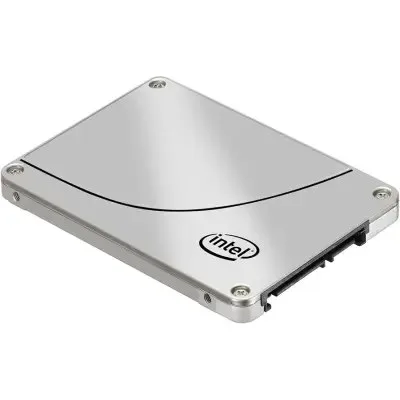
Seagate ST4000DM000 4TB SATA 3.5" LFF SSD
|
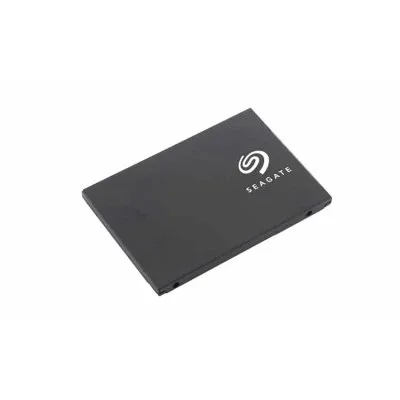
Seagate ST4000VN000 4TB SATA 3.5" LFF SSD
|
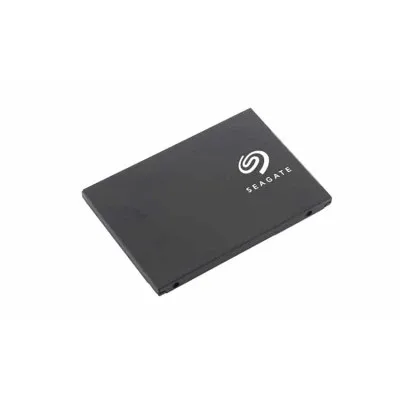
Seagate ST4000FM0003 4TB SAS 2.5" SFF SSD
|
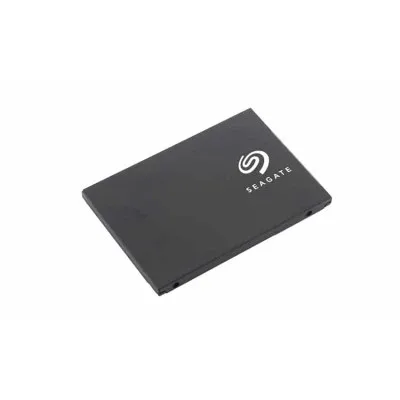
Seagate ST1000VM002 1TB SATA 3.5" LFF Surveillance Optimized SSD
|
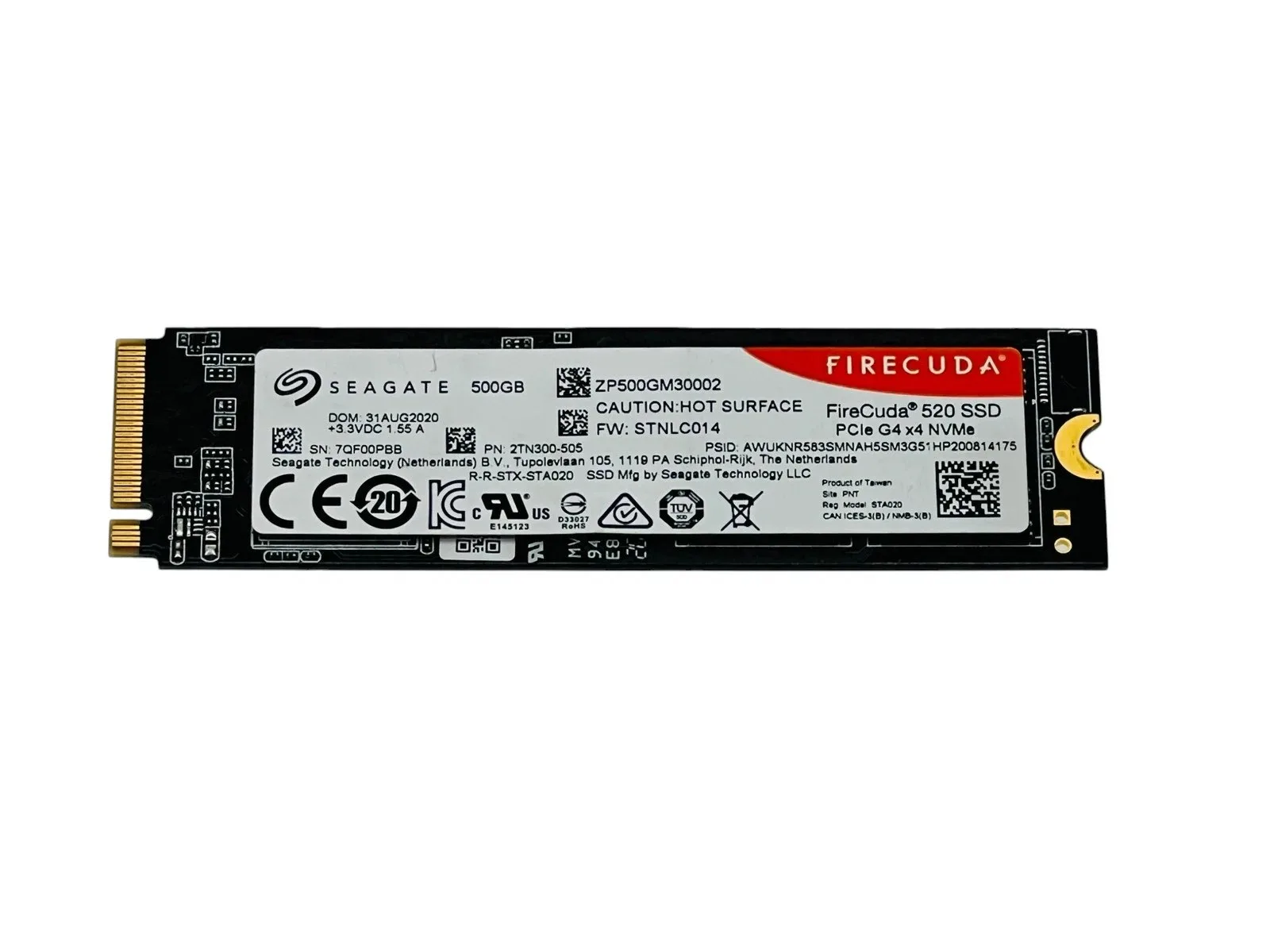
Seagate FireCuda ZP2000GM3A023 2TB PCIe M.2 2280 SSD
|
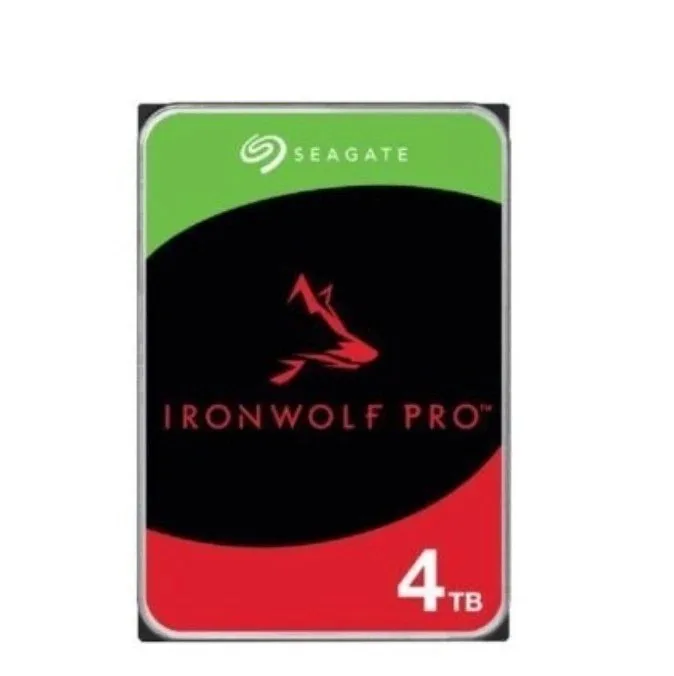
ST4000NT001 Seagate IronWolf Pro Hard Drive 4TB 7200RPM 256MB SATA HDD 3.5"
|
|
|---|---|---|---|---|---|---|
| Brand | Seagate | Seagate | Seagate | Seagate | Seagate | Seagate |
| Part Number | ST4000DM000 | ST4000VN000 | ST4000FM0003 | ST1000VM002 | ZP2000GM3A023 | ST4000NT001 |
| Capacity | 4TB | 4TB | 4TB | 1TB | 2TB | 4TB |
| Hot-Swappable | Yes | No | ||||
| Interface Type | SATA | SATA | SAS | SATA | PCIe 4.0 | SATA |
| Data Transfer Rate | 6Gb/s | 6Gb/s | 12Gb/s | 6Gb/s | ||
| Workload | Surveillance Opimized | Surveillance Optimized | ||||
| Cache | 64MB | 64MB | 256MB | |||
| Form Factor | 3.5" LFF | 3.5" LFF | 2.5" SFF | 3.5" LFF | M.2 2280 | 3.5" LFF |




